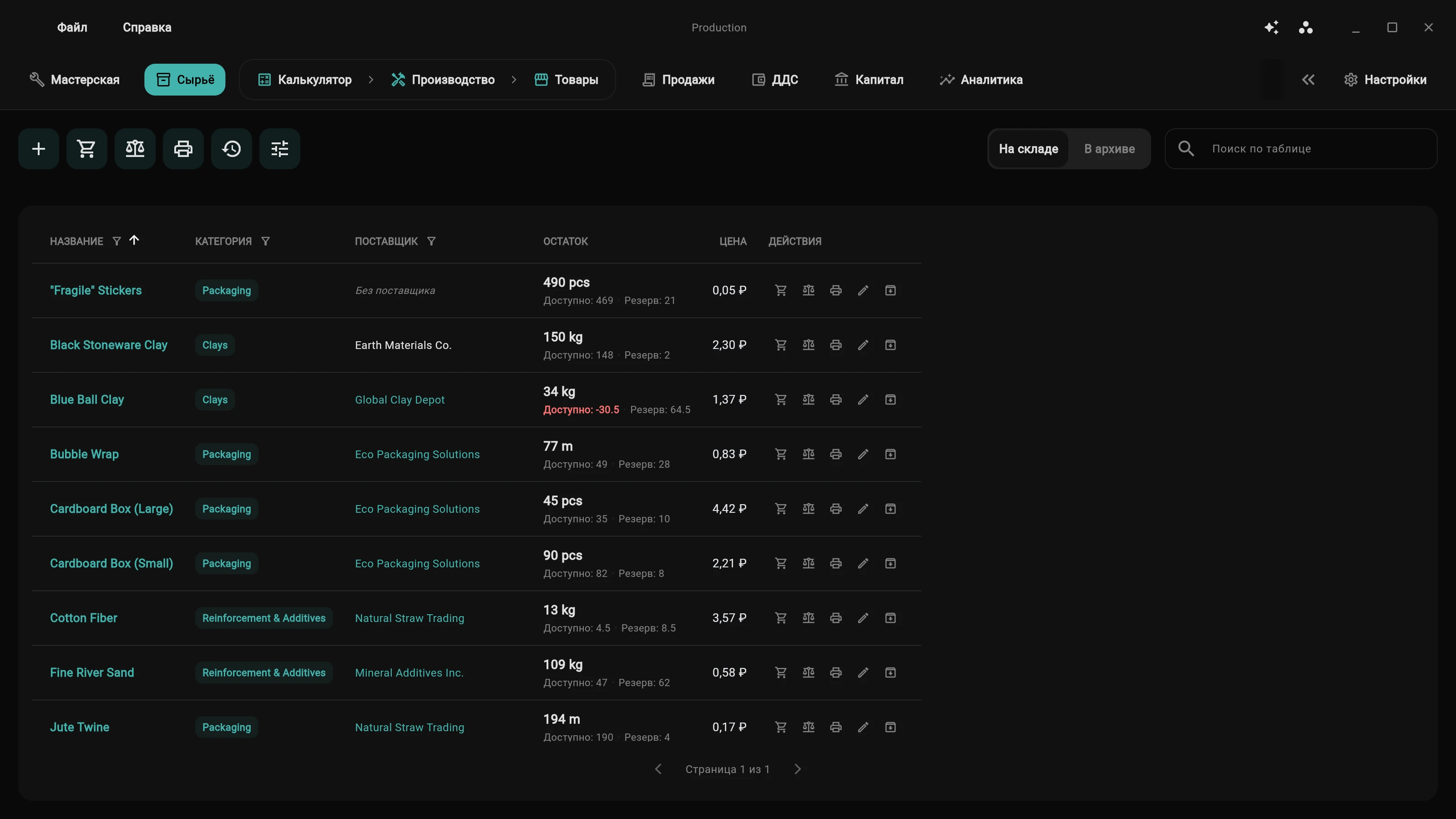
| 1. Production Workspace Active |
1. Floating raw material prices New supply batch arrived at a higher price than the previous one | Moving Average Cost (MAC) formula: automatically and accurately recalculates the unit cost of every gram or centimeter with every new purchase. |
2. Forgotten material freight Courier and shipping fees disappear into vague general overheads | Proportional freight allocation: logistics costs are automatically distributed proportionally across line items by value, keeping small hardware costs honest. |
3. Sudden workbench shortages Accepted an urgent custom order with deposit, only to discover a missing component | Automatic cascading reservations: supplies are locked for orders in queue, and "Deficit" warnings trigger before cutting begins. |
4. Unaccounted packaging & containers Boxes, mailers, bubble wrap, and branded tags quietly drain up to 15% margin | Dedicated packaging layer in recipes: packaging supplies are built into the bill of materials as a mandatory actual cost layer. |
5. Unpaid late-night artisan labor Item price covers raw materials only, personal labor valued at $0 | Labor rate calculator: artisan hourly rate and fabrication timing are embedded directly into cost calculation—revealing the true value of your time. |
6. Depreciation of older inventory batches Item crafted six months ago at old costs, while raw supplies doubled in price | FIFO batch write-off: finished goods are sold from the showcase strictly by First-In, First-Out, preserving the historical batch cost. |
7. Corrupted spreadsheet formulas An accidental formula drag or broken cell destroys months of ledger history | End-to-end operation pipeline: completing a workbench stage automatically writes off raw materials and credits finished inventory to the showcase. |
| 2. Services & Custom Work Active |
8. Ballpark pricing for clients Quoted a flat estimate, spent two grueling days, and ended up in the red | Labor-hour calculator: labor complexity estimates, hourly tariffs, and automated shop overhead distribution for every order. |
9. Consumables out of your own pocket Sandpaper, drill bits, adhesives, and chemistry used during repair never made it onto the invoice | Dynamic consumable write-offs: auxiliary materials are deducted directly from inventory inside the electronic work order. |
10. Lost client specs and deadlines Client notes, intake inspection defects, and promised delivery dates get misplaced | Electronic work order: comprehensive intake logs, defect photos, custom requests, and strict milestone deadline tracking. |
11. Chaotic deposits and debt tracking Down payment received on a personal card, balance forgotten upon pickup | End-to-end deposit tracking: prepayment logged instantly into Cash Flow with clear remaining balance due upon job completion. |
12. "What's the status?" client calls Artisan wastes time searching the shop floor and recalling job stage | Visual Kanban stages: transparent progress tracking from intake and approval to bench work, testing, and handoff. |
13. Client history on paper scraps Forgotten repair history, recurring client preferences, and past quirks | Integrated client profiles: continuous history of all past orders, artisan notes, custom discounts, and cumulative lifetime value. |
| 3. Trade / Retail Soon |
| Workspace coming soon |
| 4. Education / Digital Goods Soon |
| Workspace coming soon |
| 5. Activities / Hobby Soon |
| Workspace coming soon |
| 6. Global "My Capital" Hub PRO License |
24. The "Illusion of Profit" in high turnover Cash register is full, orders abound, yet your personal wallet is empty at month's end | Honest net profit calculation: automatically deducts material costs, equipment wear, facility rent, taxes, and workshop overheads. |
25. Blurring personal card and shop cash Paying for raw supplies from personal cards breaks rigid accounting software | Mixed finance architecture: freely purchase materials or tools from personal accounts—negative Cash Flow balance is treated as normal owner investment. |
26. Equipment breakdown cash crunches A laser tube or spindle burns out unexpectedly with zero emergency funds | Dynamic equipment depreciation: daily, unnoticeable wear calculation builds a genuine reserve fund for machinery replacement and repairs. |
27. Slavery to micro-logging small receipts Entering every coffee, fuel receipt, and grocery purchase burns out makers in days | Freedom from micro-receipts: enter actual bank balances periodically—the system matches income and major expenses to deduce household spending automatically. |
28. Total wealth blindness Unclear what the entire venture is worth and whether household wealth is growing | Consolidated Net Worth: complete balance sheet combining depreciated machinery + warehouse inventory + showcase stock + cash registers + personal assets. |
29. Unknown hourly yield (Time ROI) A complex custom build consumed 30 hours at $5/hr while serial production stood idle | Time ROI margin ranking: visual net return per labor hour—know definitively whether batch runs or bespoke builds are more profitable. |
30. Tax calendar panic Unexpected tax surprises and penalties due to lack of ongoing liability tracking | Real-time tax calculation: continuous estimated tax liability tracking across Cash Flow operations tailored to your tax regime. |
| 8. Cross-Cutting Modules Add-ons |
31. Bloated, sluggish ERP monolith 80% of unnecessary features cluttering screen space and slowing down the computer | Modular architecture: industry-specific add-ons activate in one click with lazy loading, consuming zero RAM in the background. |
32. Unique craft-specific workflows Every trade has proprietary formulas (leather hide area, metal casting, ceramic shrinkage) | Free community co-development: open invitation to build custom industry modules when a clear craft algorithm is shared with the community. |
33. Two businesses sharing one machine A laser cutter is split between a carpentry shop and a souvenir line | Shared Resources mechanism: fractional equipment ownership across workspaces with equitable depreciation allocation. |
34. Manual label handwriting Handwritten tags and third-party barcode generators causing shipping mistakes | Integrated thermal label engine: instant formatting and direct printing of barcode/QR labels for any roll printer directly from item cards. |
35. Vendor lock-in and migration fears Inability to transfer recipes and balances when switching software | Open CSV export and import: clean, structured export/import for all directories, inventory records, and bill-of-materials recipes without lock-in. |
| 9. Artificial Intelligence at the Bench Practical AI |
36. Blank page paralysis for social media Drained after 10 hours at the bench with no energy to write marketing copy | One-click publication generation: digital apprentice drafts showcase copy and social media posts directly from product card specs in seconds. |
37. Blind spots and missed expenses Overlooked auxiliary adhesives, packaging, or scrap allowance in batch calculation | Contextual screen audit: AI analyzes the active form and alerts you to forgotten overheads before finalizing pricing. |
38. Forgotten shop standards and rules Having to constantly re-explain shop tolerances, seam allowances, and fabrication rules | Long-term rules memory: assistant reliably stores your workshop guidelines in SQLite FTS5 and applies them contextually in suggestions. |
39. Fear of hallucinating AI mutations Generic chatbots distorting financial data and silently corrupting the database | Artisan-in-the-Loop safety: AI never alters database records behind your back, generating transparent action cards for explicit one-click confirmation. |
40. 3x middleman subscription markups Expensive recurring monthly subscriptions to third-party cloud wrappers | Sovereign Bring-Your-Own-Key (BYOK): connect your personal API key at provider cost, or run completely free local models offline on your PC. |